lululemon · 2023 to 2025
Canvas: Scaling lululemon’s internal design ecosystem
A shared design foundation for complex enterprise tools, built alongside active product development.
Project scope
- teams building tools in Excel
- 20+
- designers coordinated
- 3
- engineers coordinated
- 9
01 · System context
lululemon operates two design systems: DAISY supports customer-facing experiences, while Canvas powers internal tools for product development, sourcing, and costing.
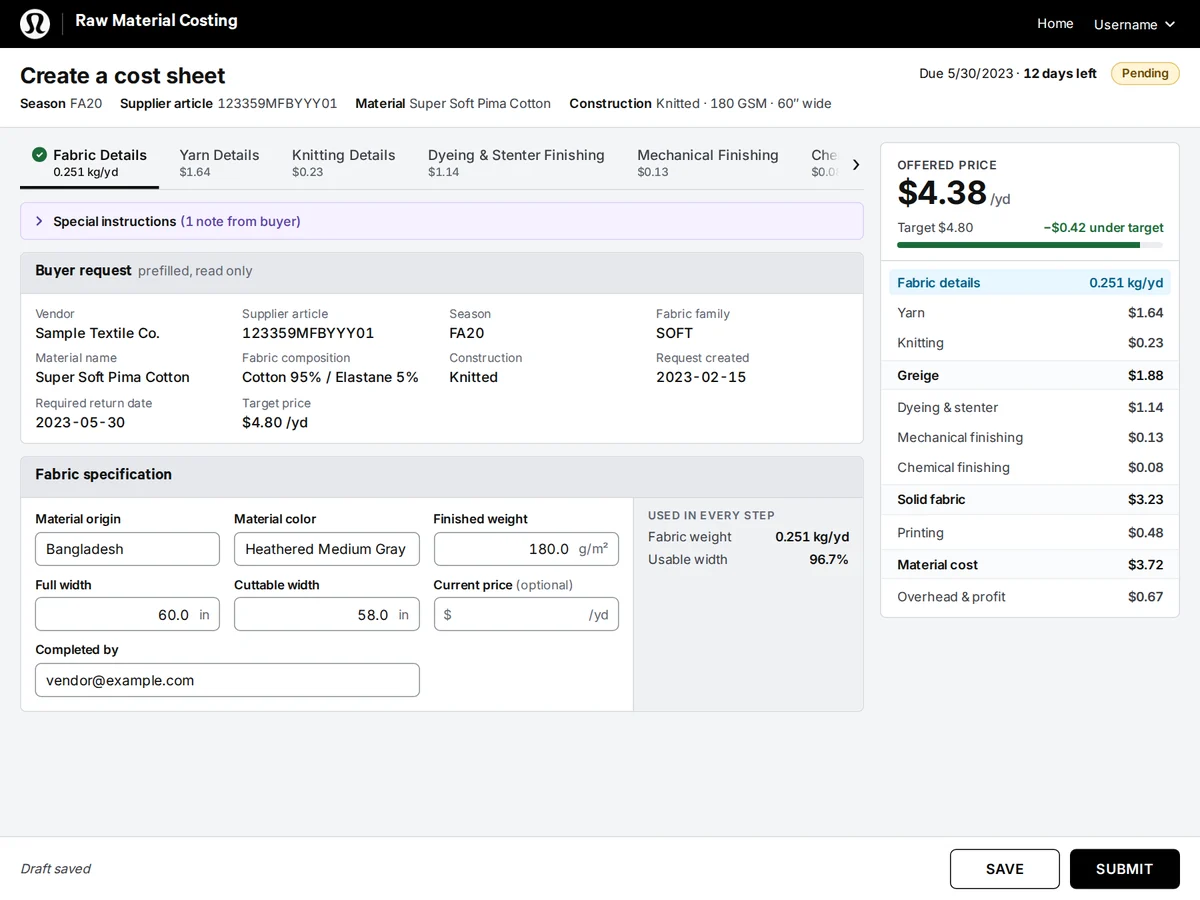
When I was brought in, the internal tools existed only as Excel spreadsheets. DAISY’s library didn’t work for any of the tooling, and more than 20 teams were building tools this way. lululemon wanted a design system for internal tooling, and there was nothing to start from.
I led design for both Canvas and the Raw Materials Costing Tool, coordinating 3 designers and 9 engineers across parallel workstreams.


02 · System problem
Before: Excel
After: Canvas
03 · System architecture
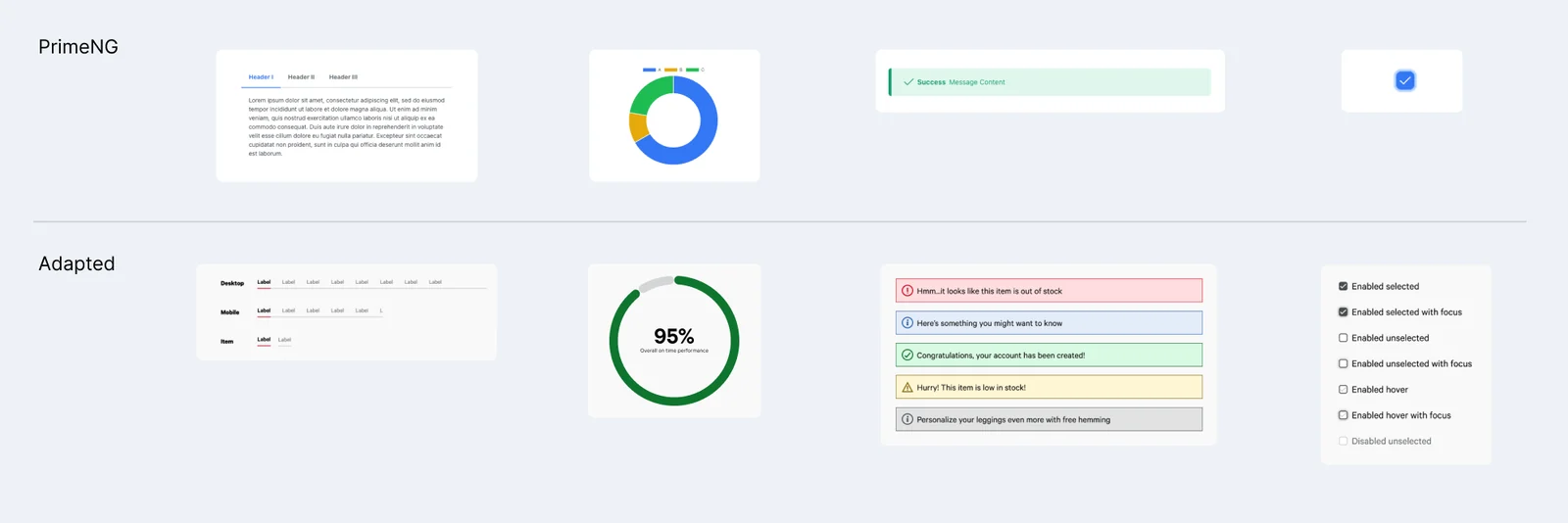
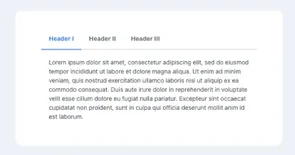
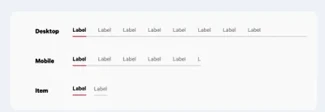
Canvas started as a skin on PrimeNG, which gave teams proven component behavior from day one. Six months into v1, lululemon’s rebrand gave Canvas a palette of its own, tuned for clarity in dense tools.
04 · Key decisions
- Constraint
- There was nothing to start from, more than 20 teams were building tools in Excel, and we had one month to get something usable.
- Decision
- Working with the dev director, skin PrimeNG instead of building components from scratch.
- Tradeoff
- Canvas worked within PrimeNG’s component structure, so some changes were limited to what PrimeNG allowed.
- Constraint
- Six months into v1, lululemon rebranded. Brand red competed with error states, and DAISY introduced a new set of warm tones.
- Decision
- Strip brand red from components so errors stay clear. After a round of testing and research, keep a neutral gray palette for clarity, and adopt the warm dark grays and blues.
- Tradeoff
- Canvas became a little more disconnected from the main brand, but the tools were clearer to use.
- Constraint
- Teams were adopting Canvas mid-transition. Some were still half in Excel while they built, and others got something up quickly in React that didn’t fully match.
- Decision
- Let teams adopt the system where they were, then bring their tools into alignment over time instead of requiring a full switch up front.
- Tradeoff
- Some items were only skinned to match Canvas at first, without using the actual components.
05 · Accessibility
Accessibility lives in the component specs, so every team inherits it.
Error: Enter a fiber ratio between 1 and 100.
Info: The offered price updates as you type.
Success: Cost sheet submitted. The buyer has been notified.
Warning: The offered price is above the target.
Neutral: Draft saved.
Weight after finishing.
Enter a number between 1 and 100.
Live components, rebuilt with the same styles as the prototypes in Adoption. Try tabbing through them.
06 · Scaling the system
Click a stage to see how components moved from request to retirement.
07 · Adoption
The Raw Materials Costing Tool was the first to prove the design system worked. It secured both budget and additional executive buy-in for Canvas.
Cost sheets are dense, multi-step forms. In the Raw Materials Costing Tool, Canvas patterns like grouped fields, clear required and optional states, autosave, and status tags keep that complexity manageable.
- Components migrated
- 78
- Teams onboarded
- 8
08 · Outcome
- Months to full migration, no product freeze
- 6
- Vendors using the costing tools
- 500+
What changed: Internal tools that once lived in Excel now share one foundation, and each team moved onto it on its own release schedule.
What I’d change next: I would have taken us out of the PrimeNG ecosystem earlier. We stayed in it for a while to buy time on the front end, but it boxed us in.